
For iPhone and iPad
Nail your next
big moment.
Easy speech notes for toasts, talks and interviews. One glance, and you know exactly what's next.
- Wedding toasts
- Best man speeches
- Podcast episodes
- Interviews
- Conference talks
- Keynotes
- Sermons
- Pitches
- Livestreams
- Lectures
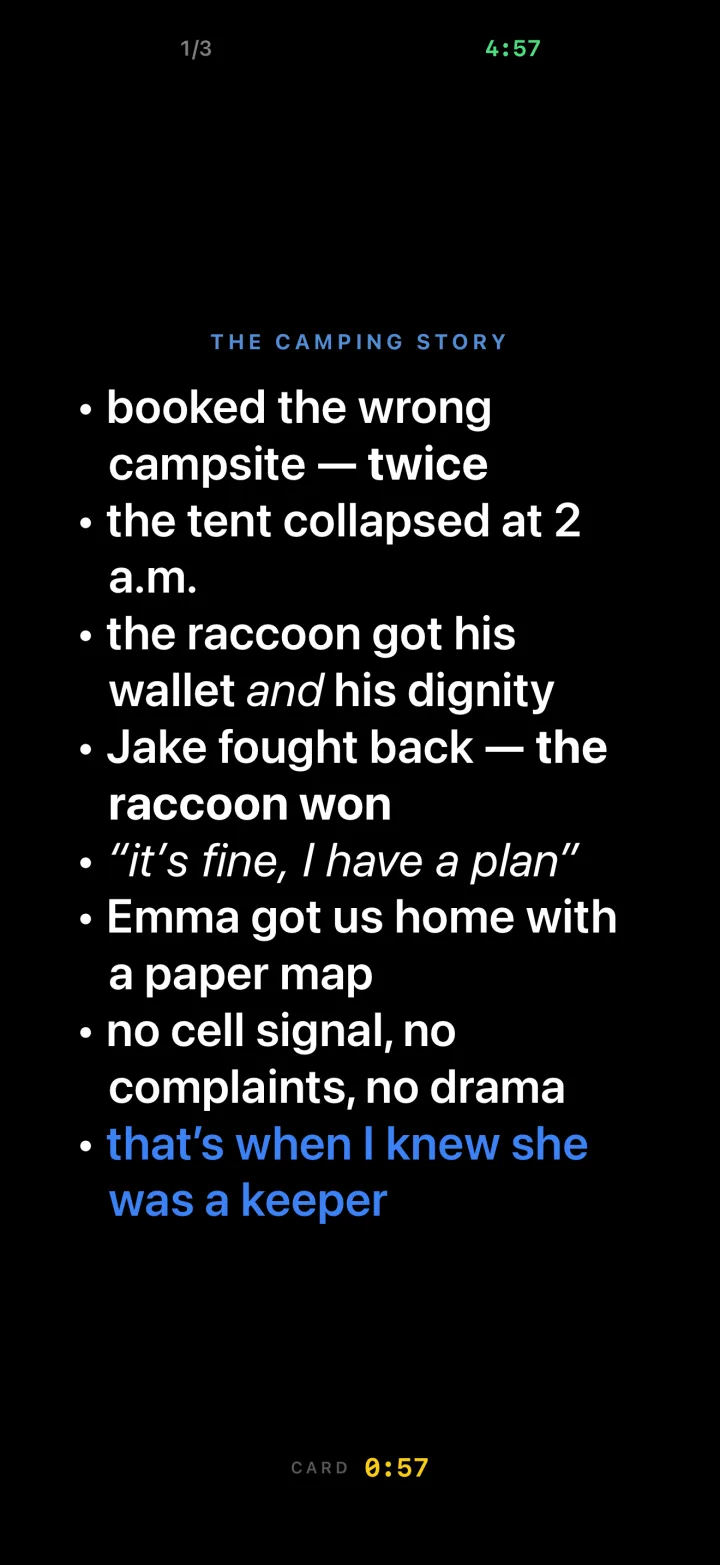
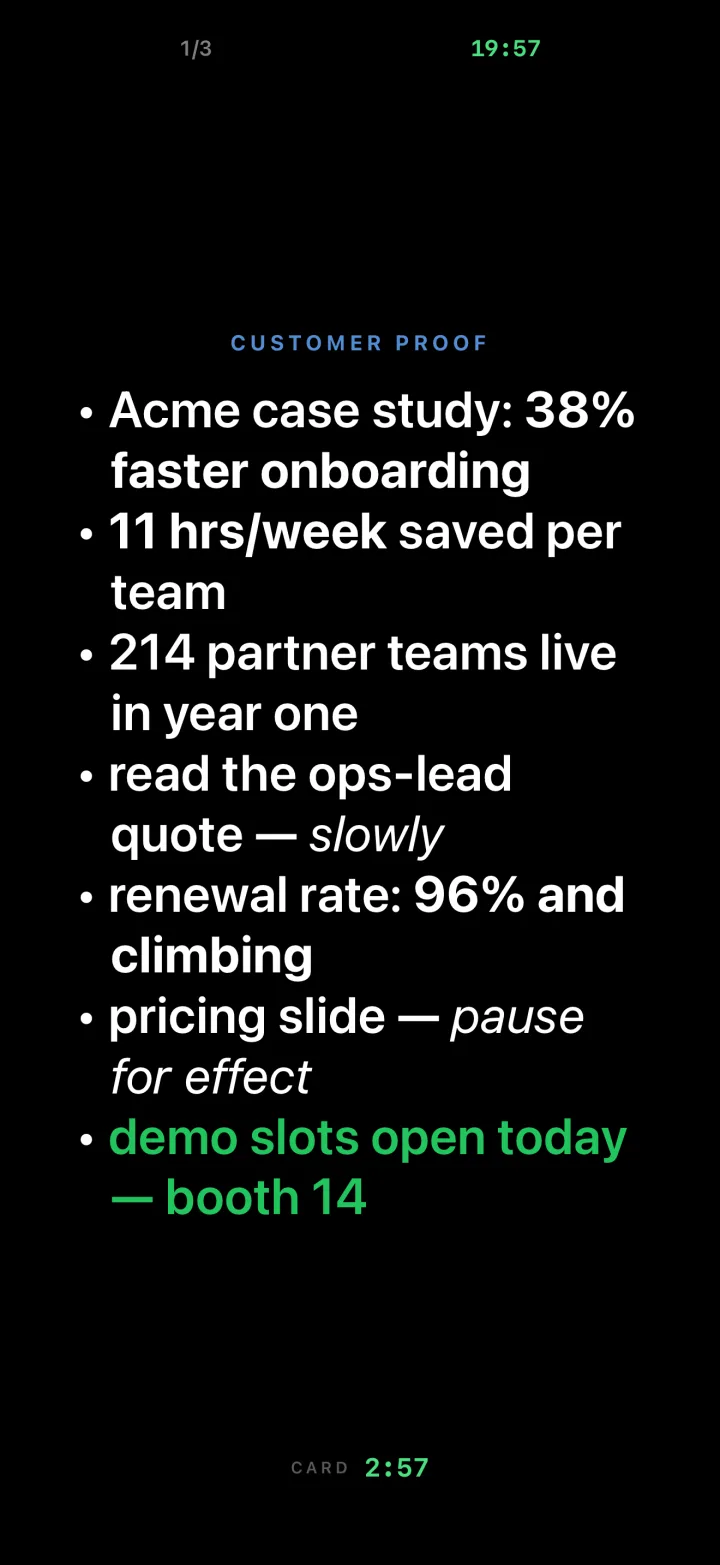
One beat per card. Never lose your place.
Notes apps were not built for speaking. Cue Cards puts each beat on its own card, on a black screen made for stages, podiums and studios. Tap or swipe to move on. No scrolling, no squinting at a document.
- Text sizes itself to fill the screen, from S to XL
- Portrait or landscape, with a next-card hint
- Your screen stays awake while you speak
Timers that keep you on pace.
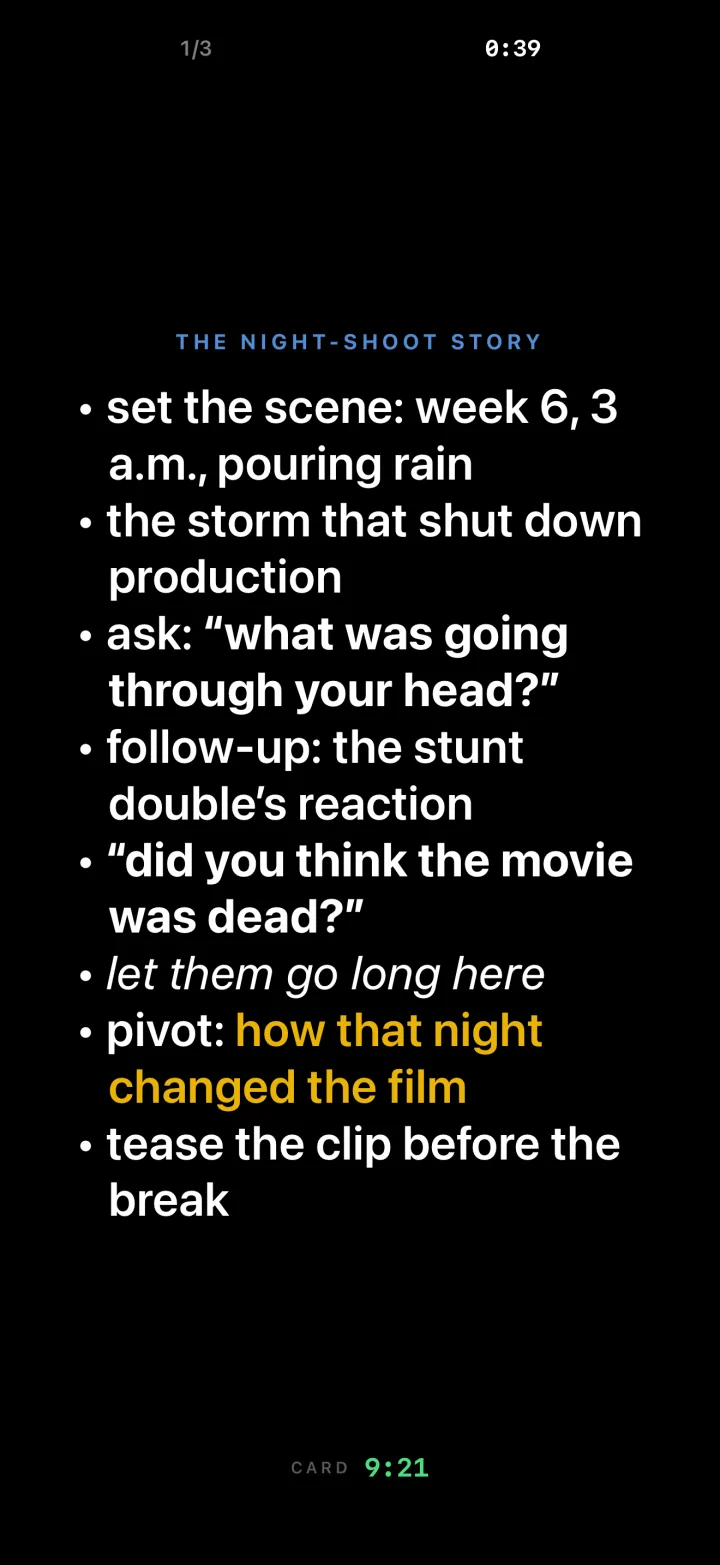
Give the whole talk a time slot and every story its own budget. The clock shifts colour as time runs down, and the screen flashes, silently, when a card is out of time.
- One deck timer, counting up or down
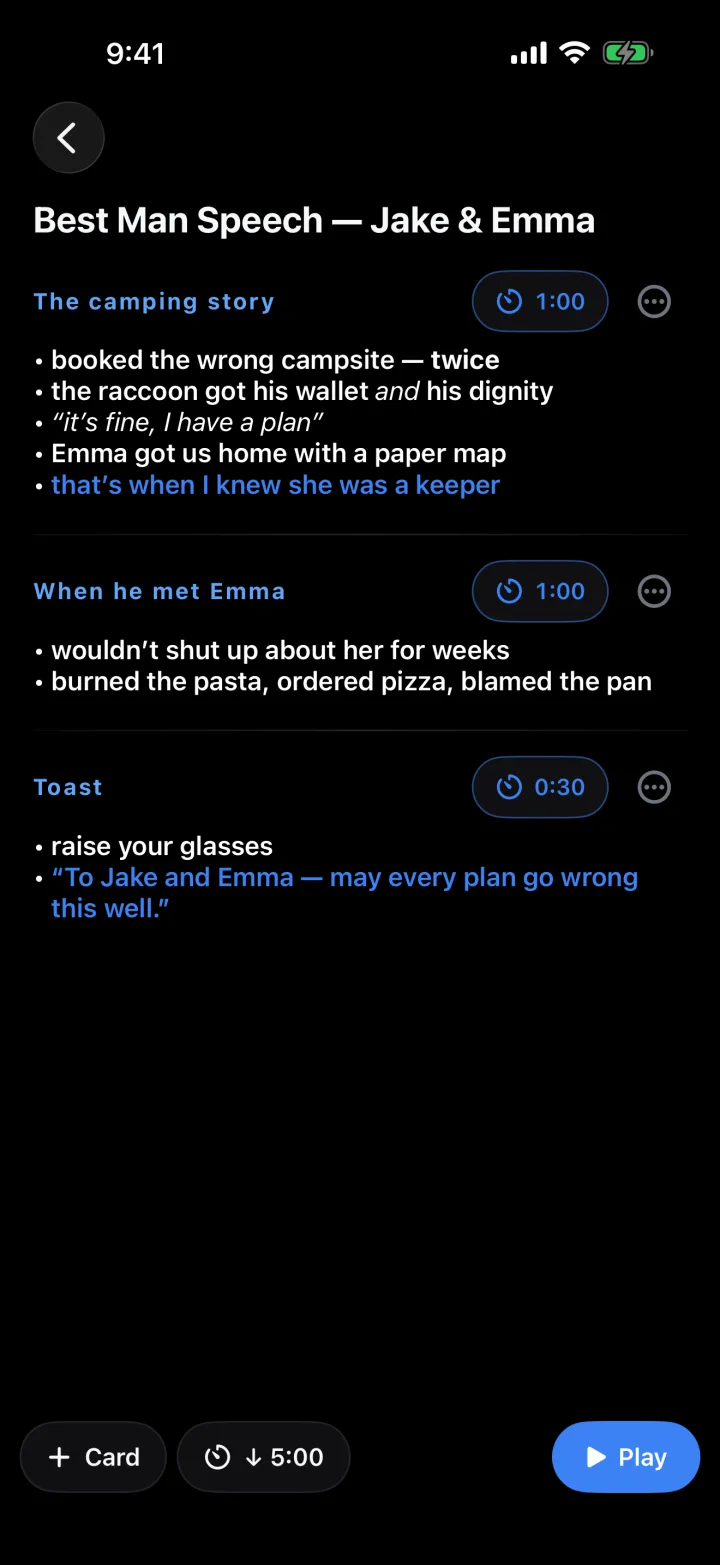
- Per-card targets, like "this story gets 90 seconds"
- Pause, reset or jump to any card mid-talk
Write it like a note. Play it like a prompter.
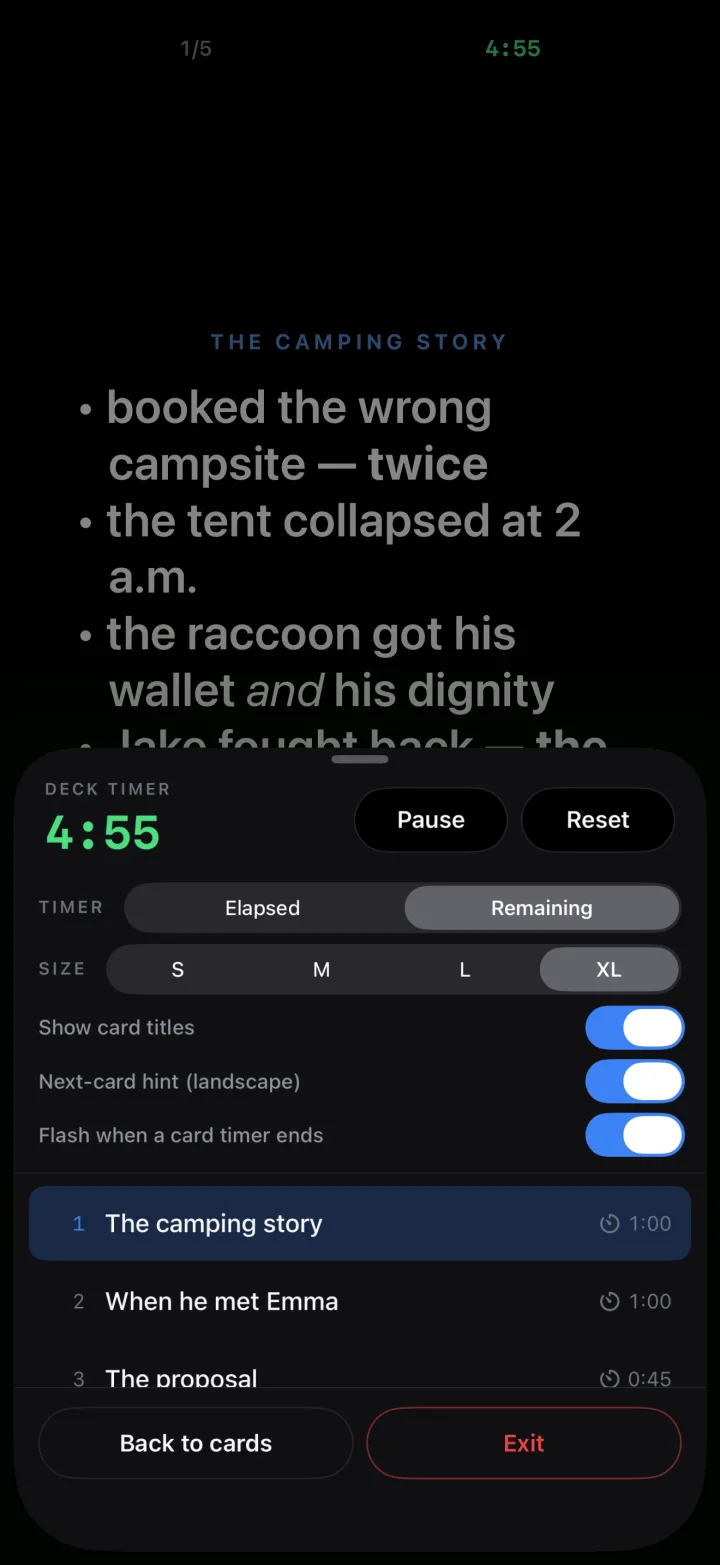
Type your beats the way you already take notes. Bold the punchline, colour the line you can't miss, and drag cards into the order that works.
- Bold, italics, colours and bullets
- Touch and hold to reorder cards
- Hit Play and you're on
Turn notes into cards with AI, on your device.
Speak your ideas, paste a script, or describe the talk you need. Cue Cards shapes it into cards for you, using Apple's on-device model. Your words never leave your phone.
- Speak, paste or describe
- Keeps your wording, splits it into beats
- Works on iPhones and iPads with Apple Intelligence
Even bigger on iPad.
Prop it on the lectern or the desk. Same cards, same timers, room to breathe.

Yours, and only yours.
No account
Open the app and start writing. Nothing to sign up for.
No tracking
Data Not Collected, on the App Store label and in practice.
On your device
Your decks, and the AI that helps write them, stay on your phone.
Your next talk, one card at a time.
Cue Cards for iPhone and iPad.
Free to download. Write as many decks as you like and play the first three cards of any deck for free. A one-time unlock plays every deck at full length. No subscription, ever.
Need help with Cue Cards? Email support@cuer.com or visit Support.